
Problem
Traditional accounting software often feels overwhelming due to dense interfaces, complex navigation and cluttered financial workflows.
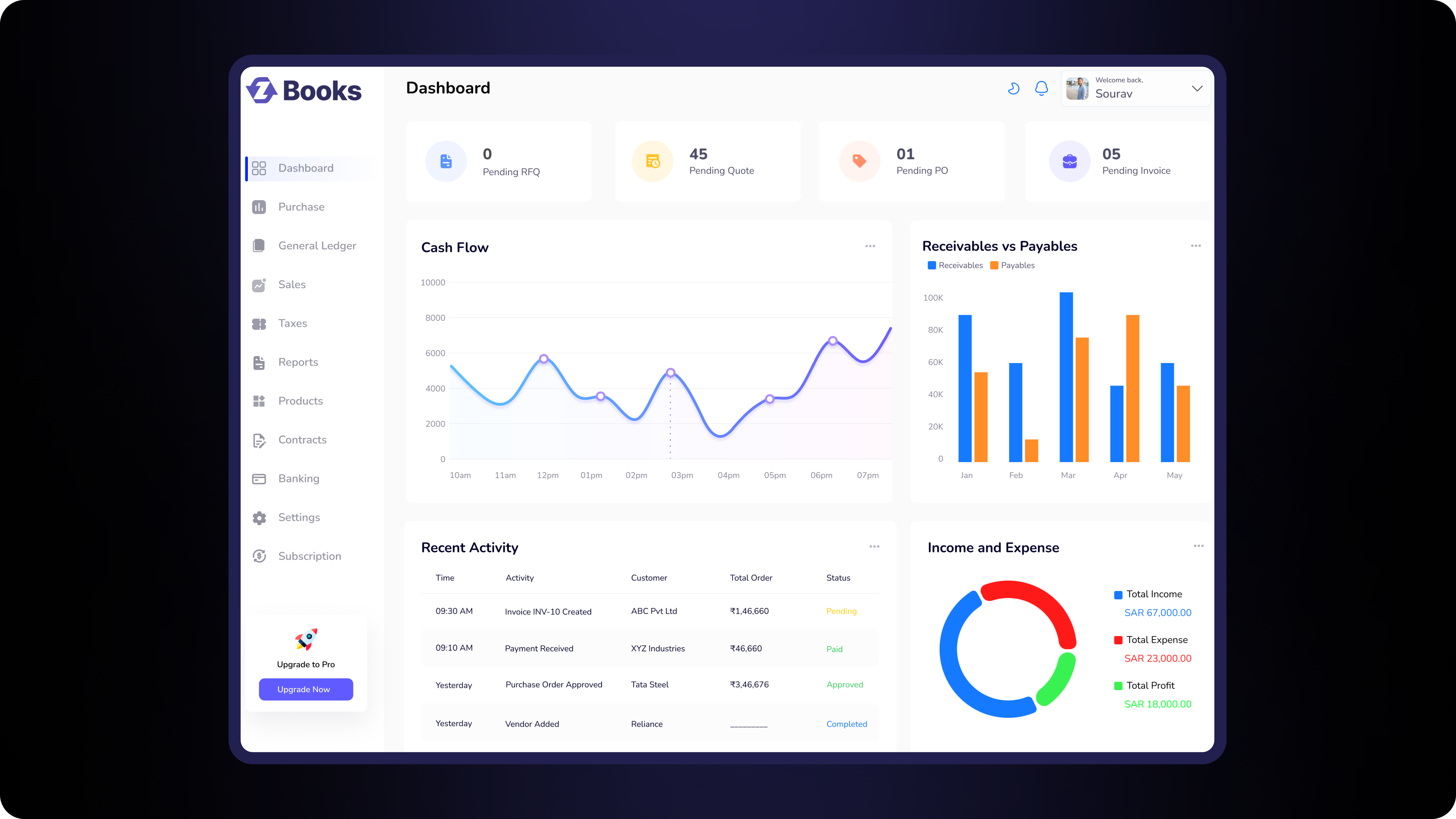
PROJECT OVERVIEW
PayzoBooks is an enterprise SaaS accounting platform designed to simplify financial operations including invoicing, purchases, taxation, subscriptions and reporting while maintaining scalability for growing businesses.
Traditional accounting software often feels overwhelming due to dense interfaces, complex navigation and cluttered financial workflows.

Design an intuitive enterprise accounting platform that simplifies financial management while supporting complex business operations.


Before designing interfaces, I first analyzed the accounting workflow and identified the major usability challenges that business users commonly face while managing finances.
Managing invoices, purchases, taxes and subscriptions usually requires multiple disconnected forms, making everyday tasks feel overwhelming for users.
Users often struggle to locate the right accounting module, resulting in unnecessary navigation and confusion.
Financial dashboards frequently display large amounts of information at once, making important insights difficult to identify quickly.
To understand the needs of different stakeholders, I identified the primary user groups interacting with the accounting platform and documented their core goals and day-to-day requirements.

Focused on running the business efficiently with quick visibility into revenue, invoices and overall cash flow.

Responsible for maintaining financial records and ensuring taxation and compliance are handled accurately.

Tracks business performance, monitors outstanding payments and supports strategic financial decisions.
Follow the complete user journey from logging into PayzoBooks to successfully receiving payment.
Sign In
Overview
Go to Sales
Add Details
Review
Success
The platform is organized into modular sections to simplify navigation, improve discoverability and support future scalability.
Quick overview of business performance.
Manage customer sales and invoices.
Vendor purchases and billing.
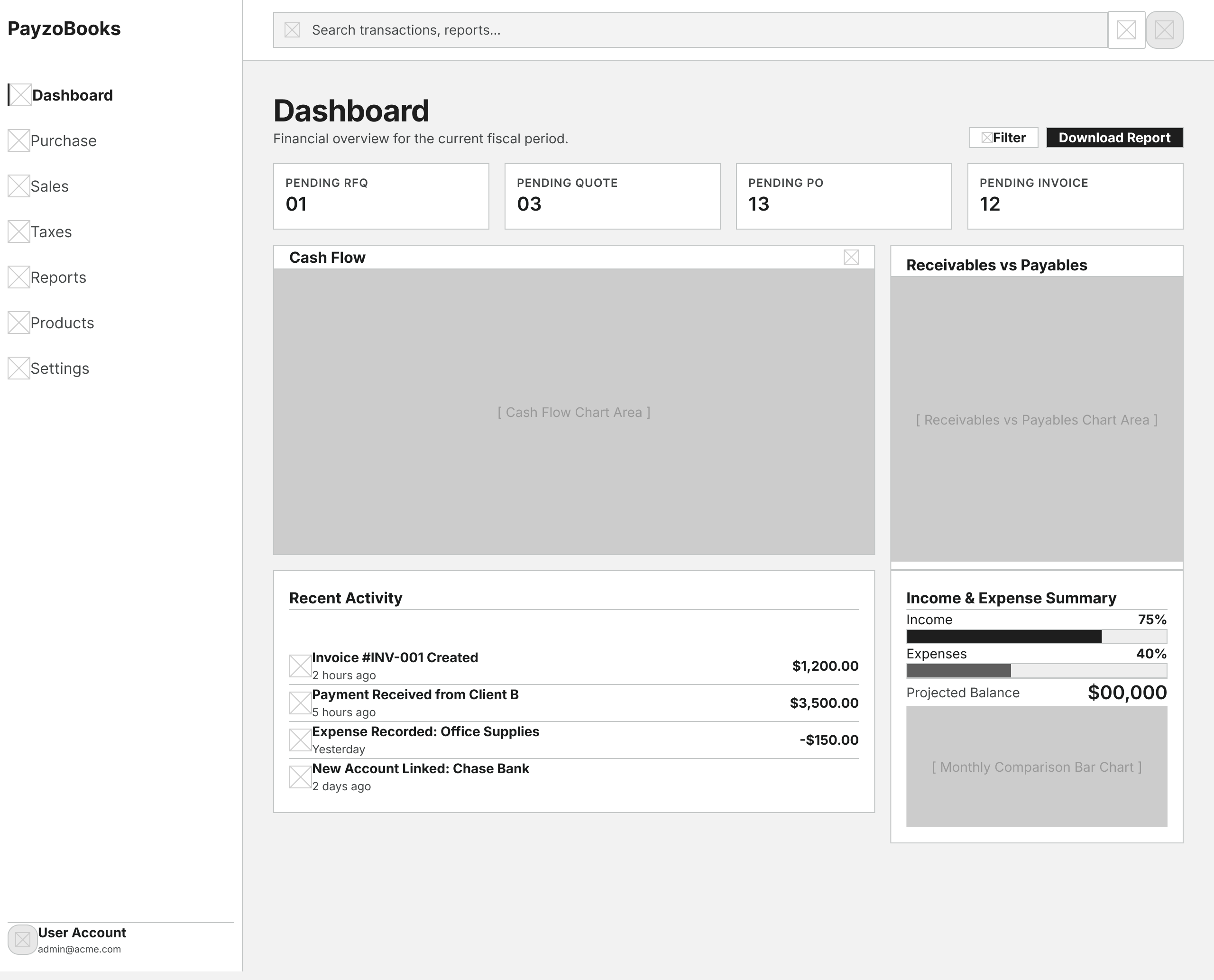
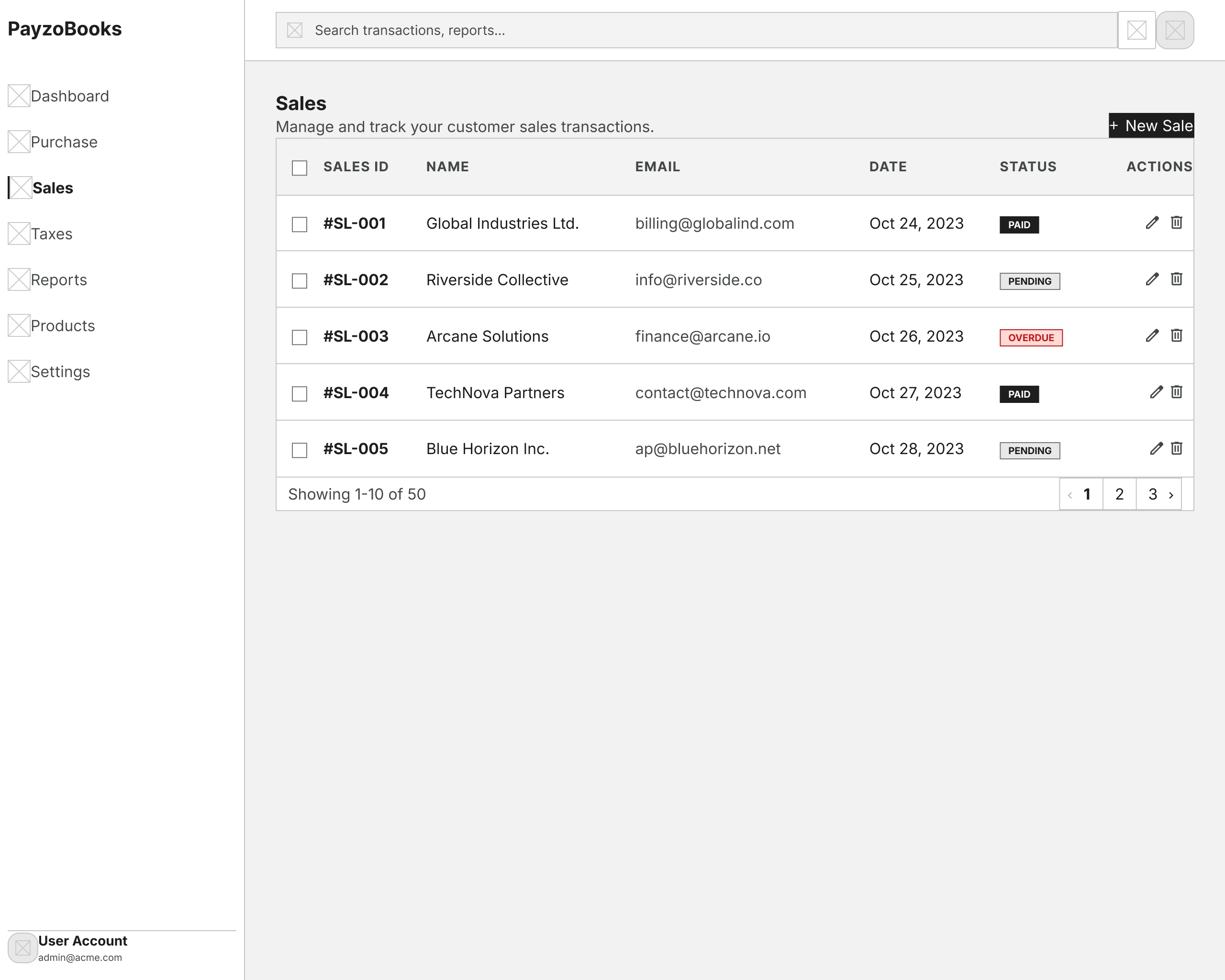
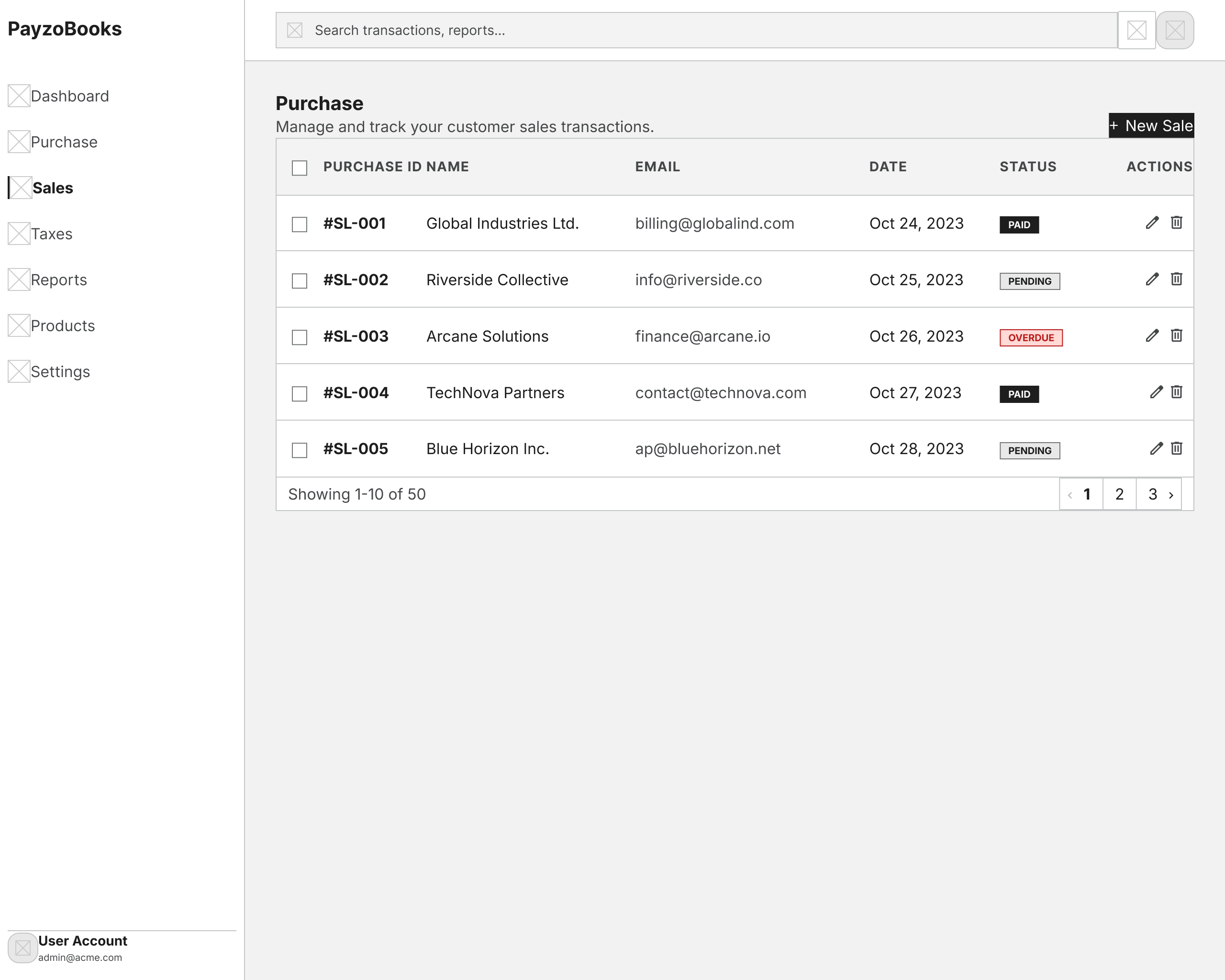
Before moving into high-fidelity designs, I explored the core product structure through low-fidelity wireframes. This helped validate screen hierarchy, information placement and user flow without focusing on visual styling.
Financial overview & navigation.
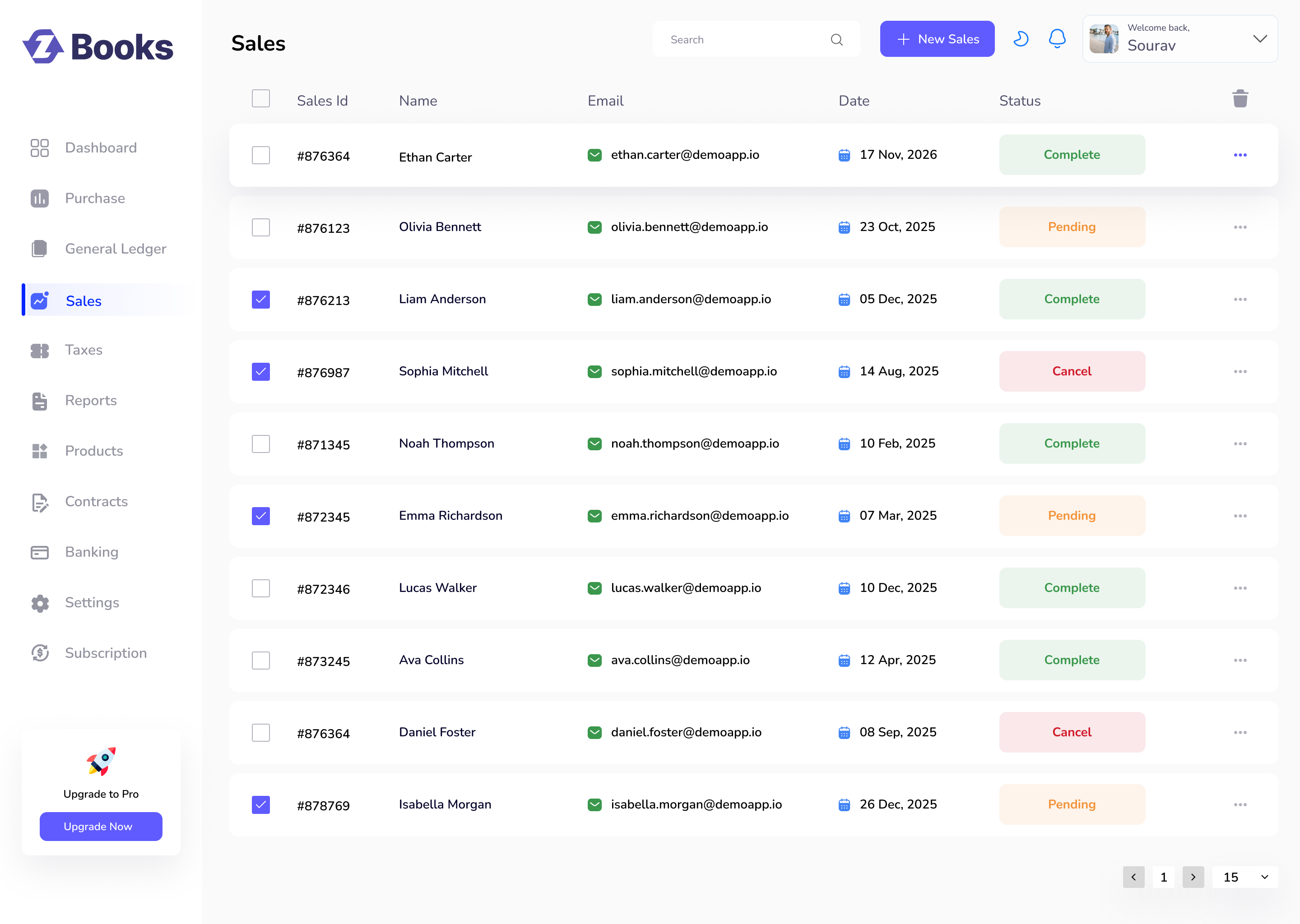
Manage invoices and sales records.
Invoice creation workflow.
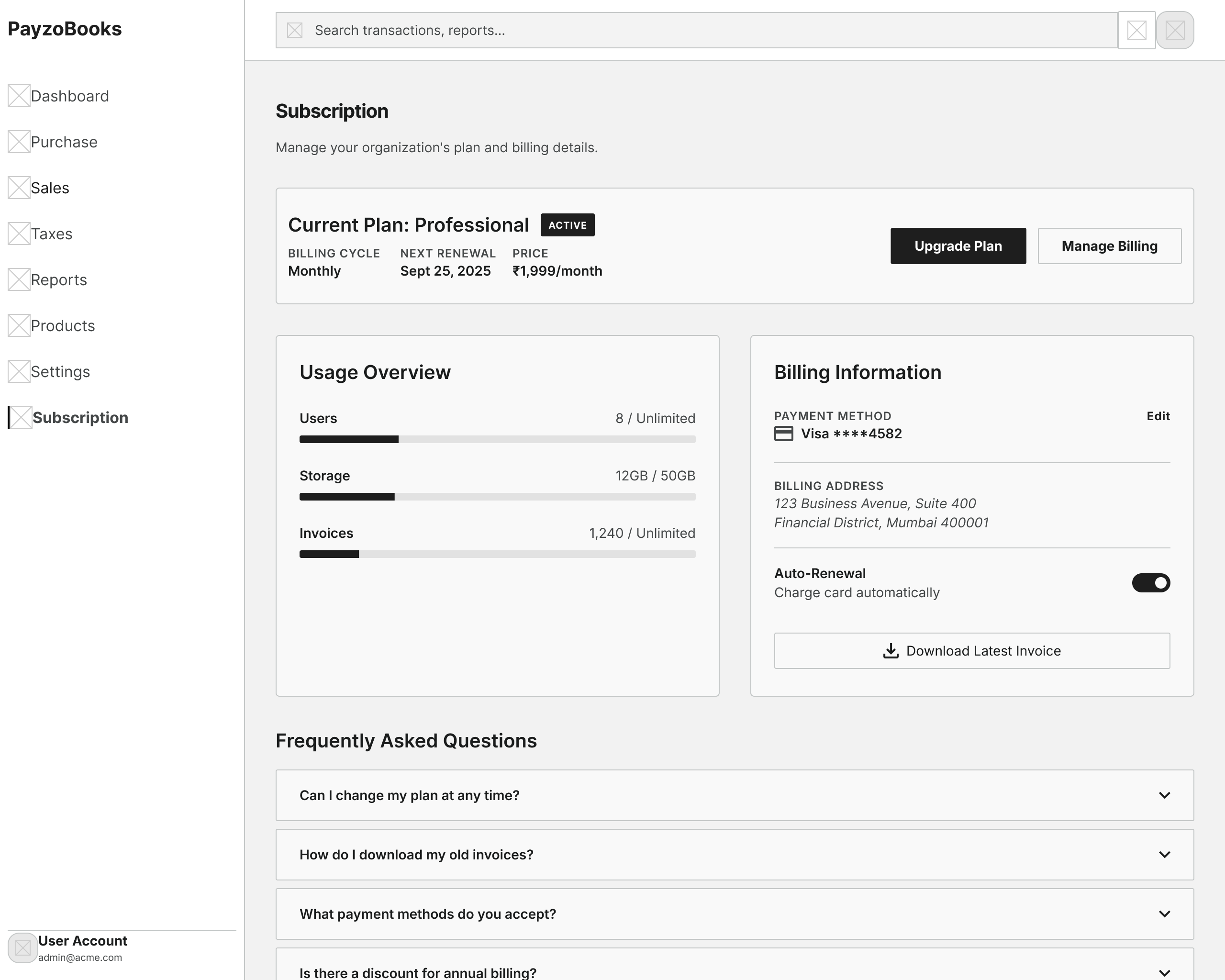
Plan management & billing.
The final interfaces were designed to simplify accounting workflows while maintaining scalability and consistency across the platform.
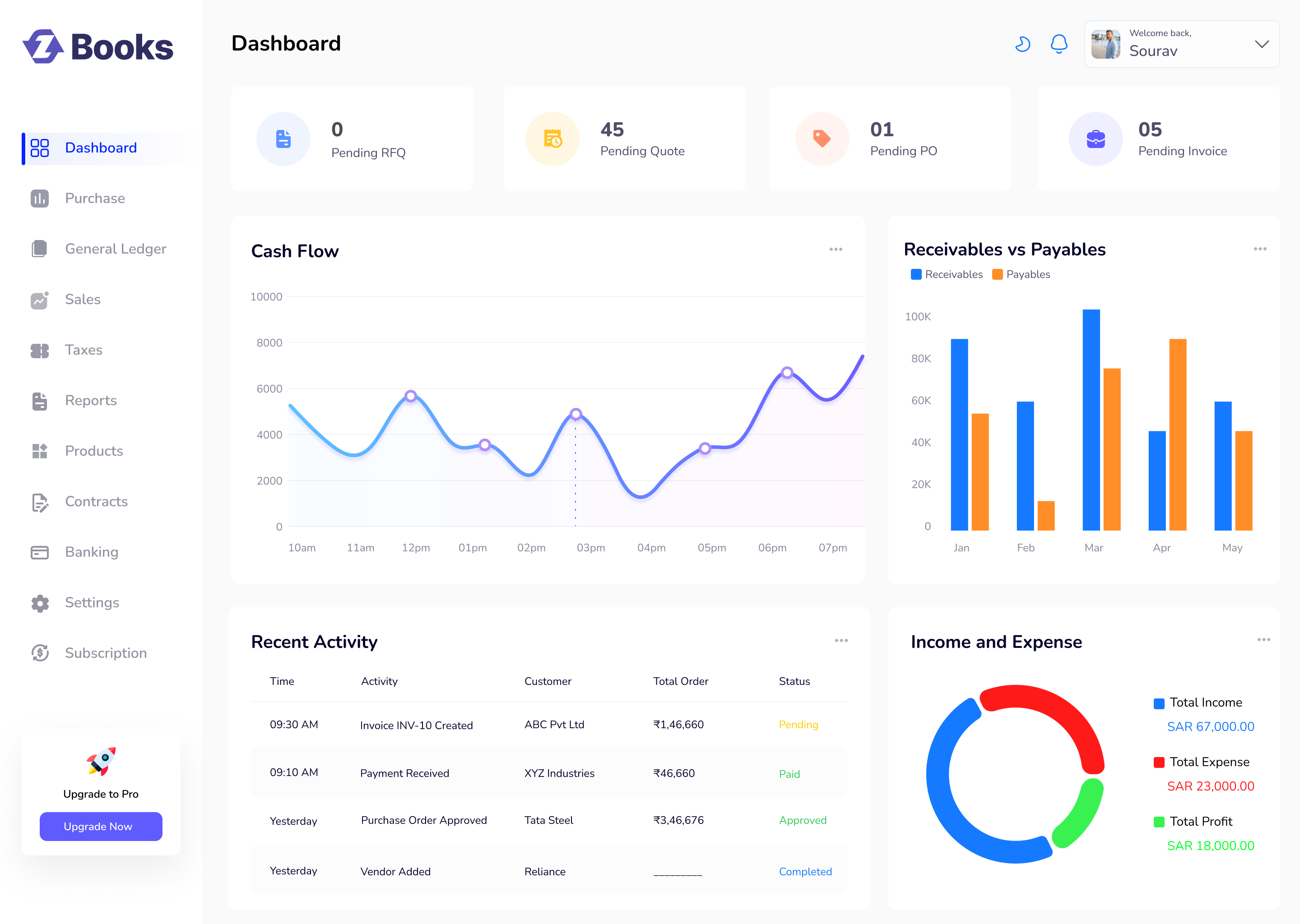
Provide a quick financial overview so businesses can understand their current performance at a glance.
Enable businesses to efficiently manage customer sales records, monitor invoice status, and quickly access payment information from a centralized workspace.
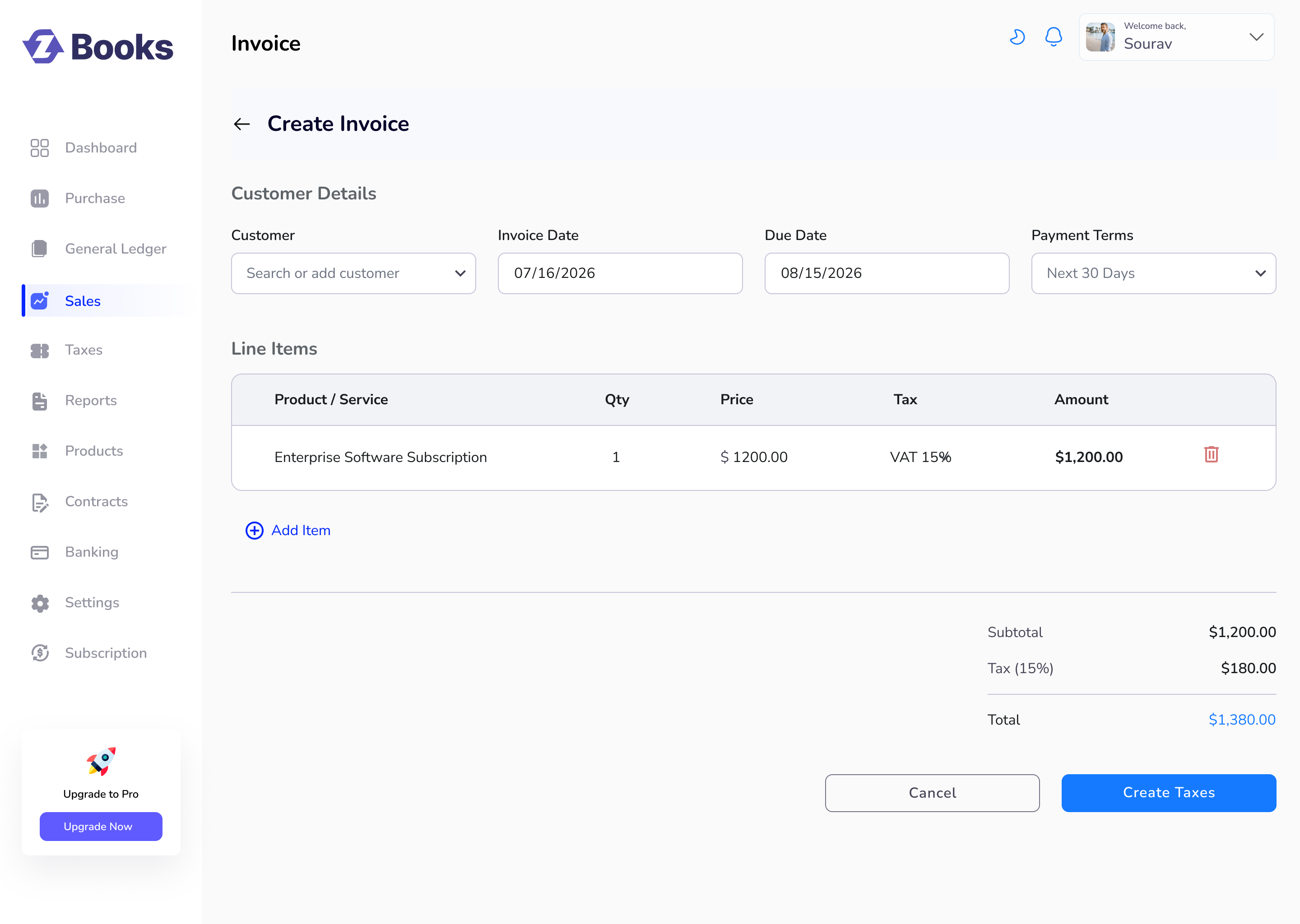
Simplify invoice creation by guiding users through a structured workflow with minimal input, helping them generate accurate invoices quickly and efficiently.
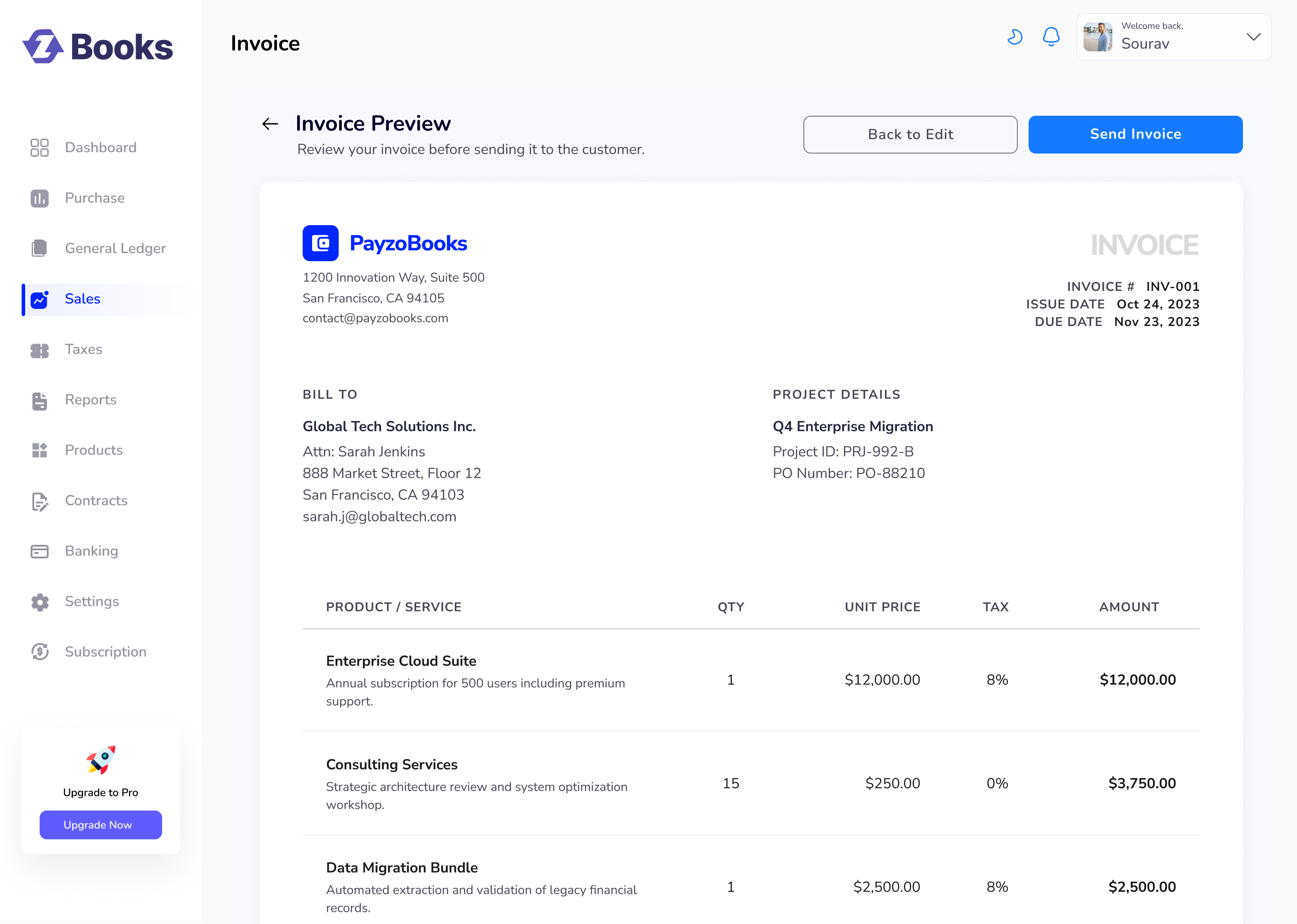
Allow users to review the complete invoice before sending, ensuring all customer, billing and pricing information is accurate while reducing the risk of invoicing errors.
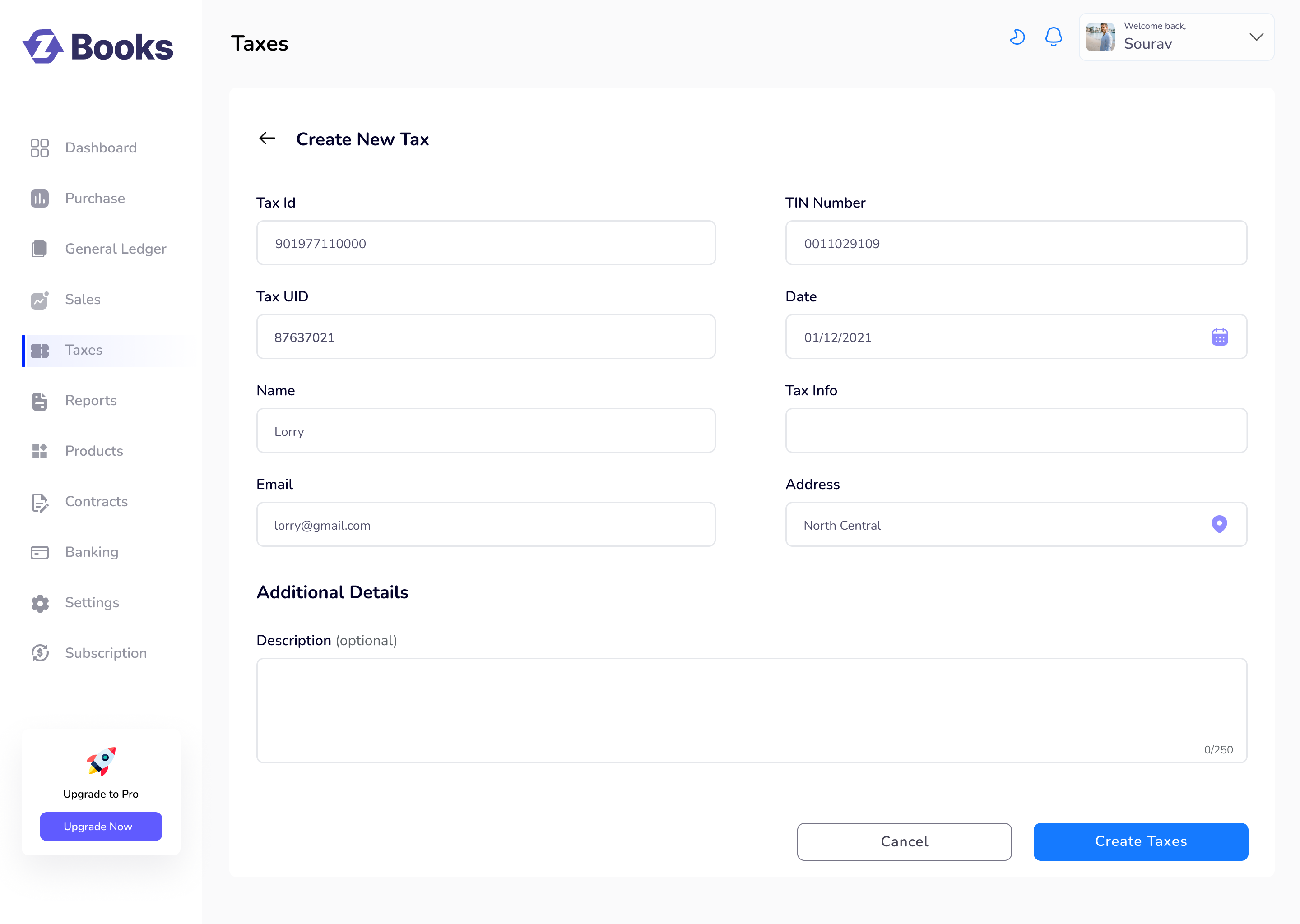
Enable administrators to configure tax information accurately through a structured form that minimizes errors and supports regulatory compliance.
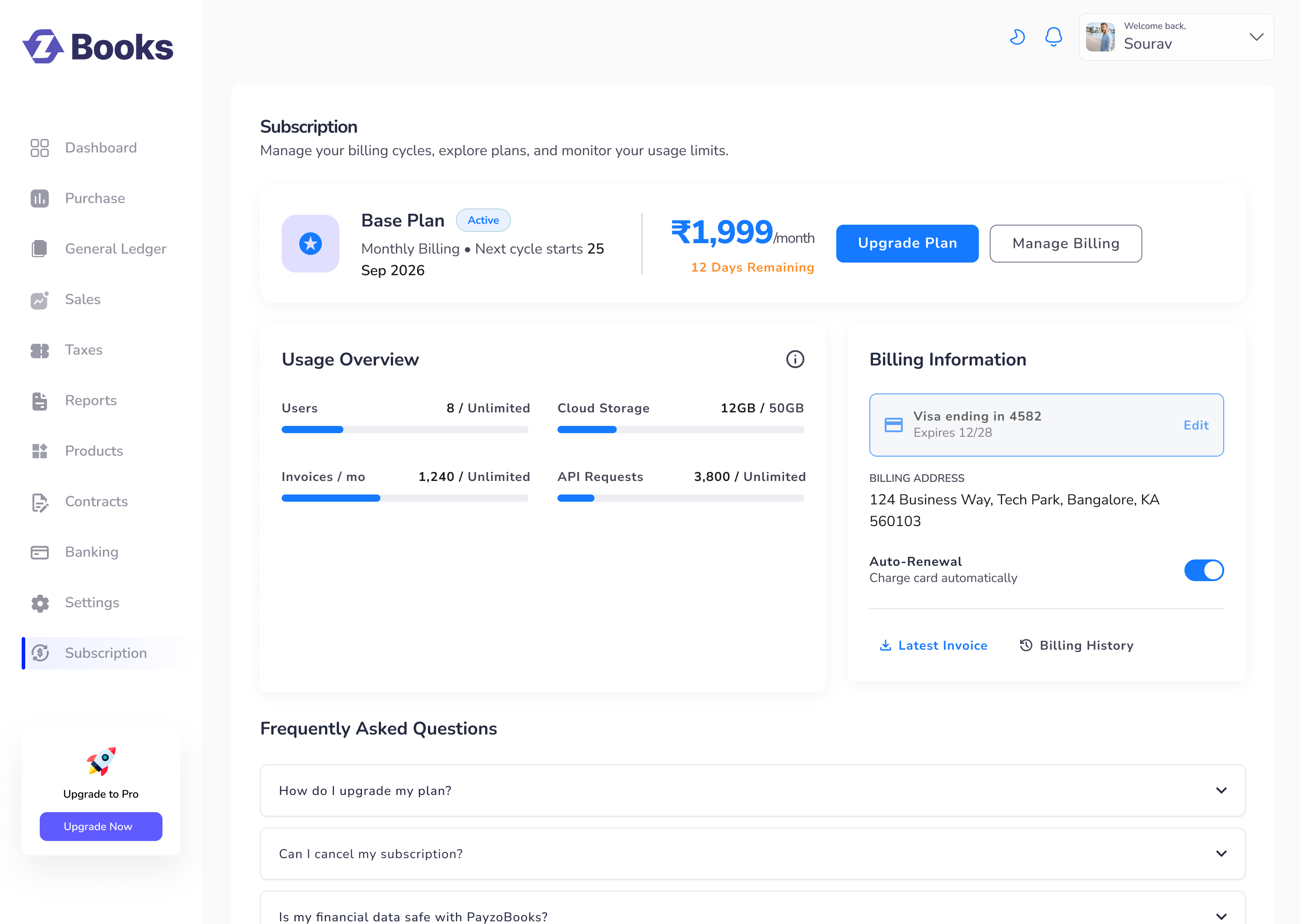
Provide businesses with a centralized workspace to manage their subscription plan, monitor usage, update billing details and access invoices without leaving the application.
After validating the product experience in Figma, the interfaces were translated into a scalable Angular application using reusable components and modern frontend architecture.

Semantic and accessible markup for building responsive, SEO-friendly, and well-structured web applications.

Modular styling system with reusable variables and utility classes.
Component-based architecture for building scalable enterprise applications.
Key outcomes achieved through thoughtful UX decisions and a scalable design system.
Simplified workflows reduced the effort required to create invoices.
Shared UI components improved consistency and development speed.
Clear hierarchy and simplified workflows enhanced usability.
Designing PayzoBooks reinforced the importance of balancing business requirements with user-centered design. Every iteration revealed valuable lessons that shaped the final experience.
Early validation with users reduces redesign effort and ensures solutions solve real problems.
Following established accounting patterns helped users navigate the product with greater confidence.
Reusable components ensured consistency while accelerating frontend implementation.
Every design decision should support measurable business outcomes while improving usability.